ALSM Campus Institutional Story & 1-Click College Simulator
A 4-step institutional reference walkthrough for Deans, Principals, and Managing Trustees showing how to launch a 60-second custom college digital twin on campus.alsmmed.com.
Step-by-Step Visual Guide
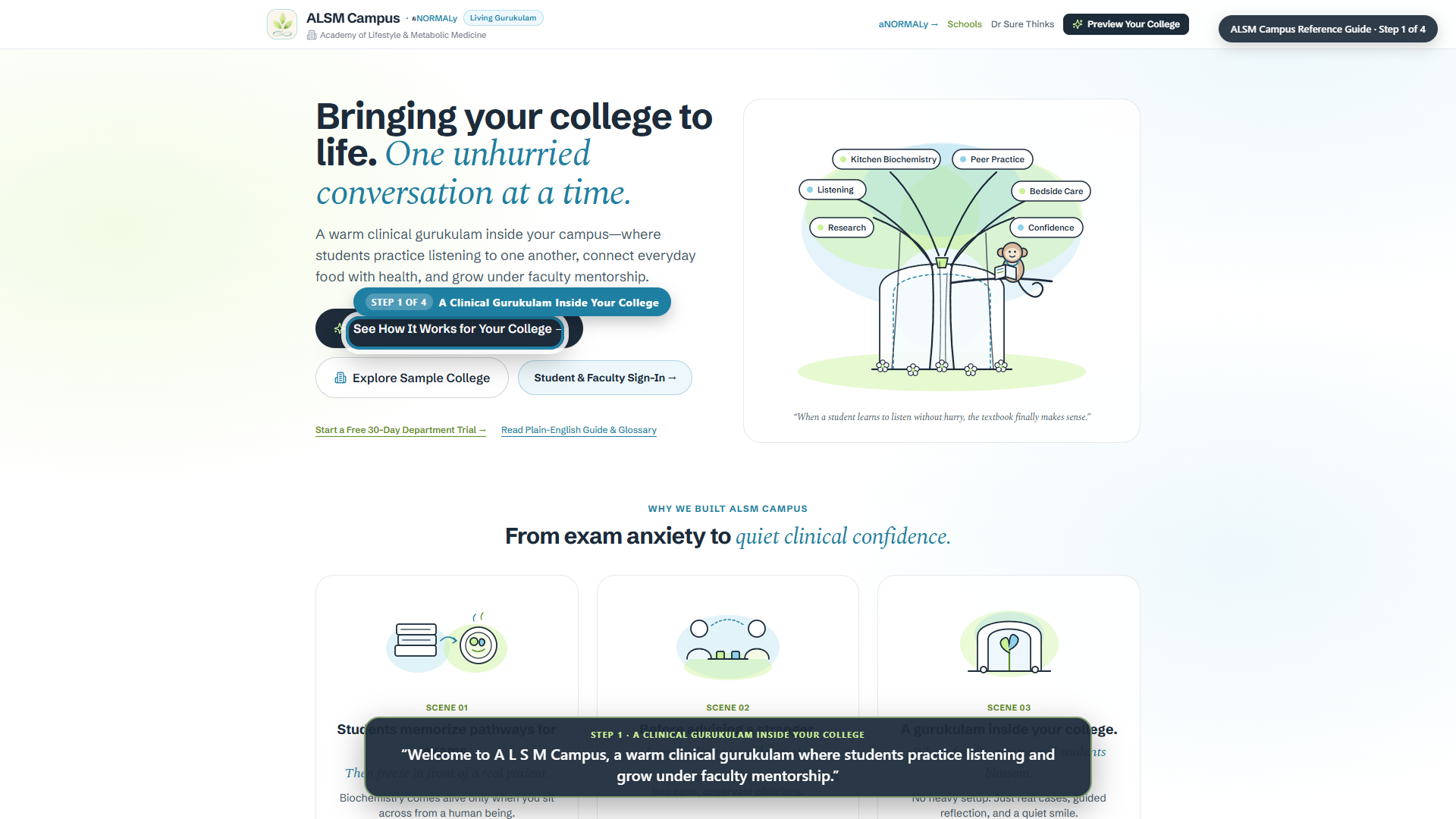
Step 1 of 4
A Clinical Gurukulam Inside Your College
“Welcome to A L S M Campus, a warm clinical gurukulam where students practice listening and grow under faculty mentorship.”
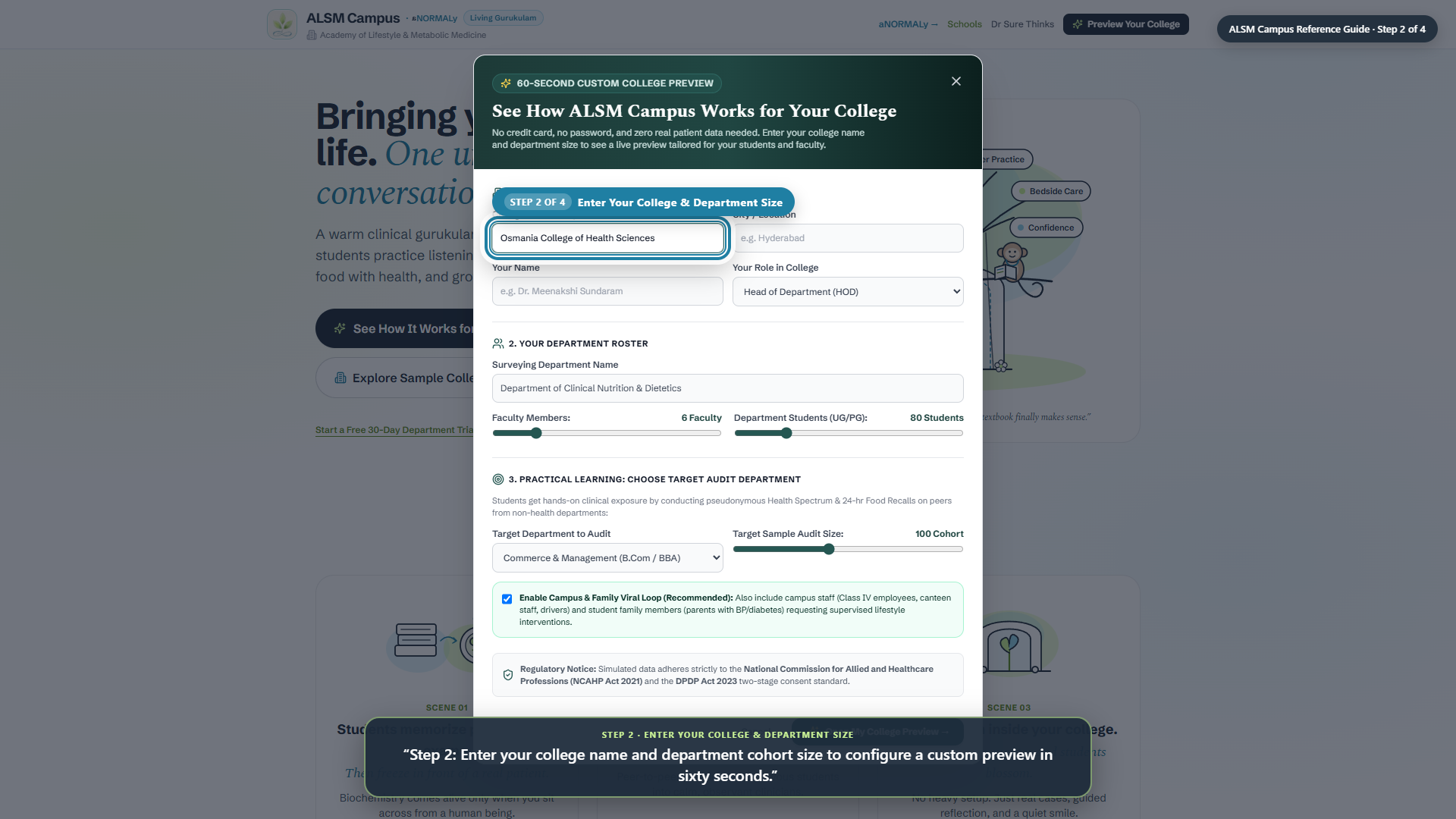
Step 2 of 4
Enter Your College & Department Size
“Step 2: Enter your college name and department cohort size to configure a custom preview in sixty seconds.”
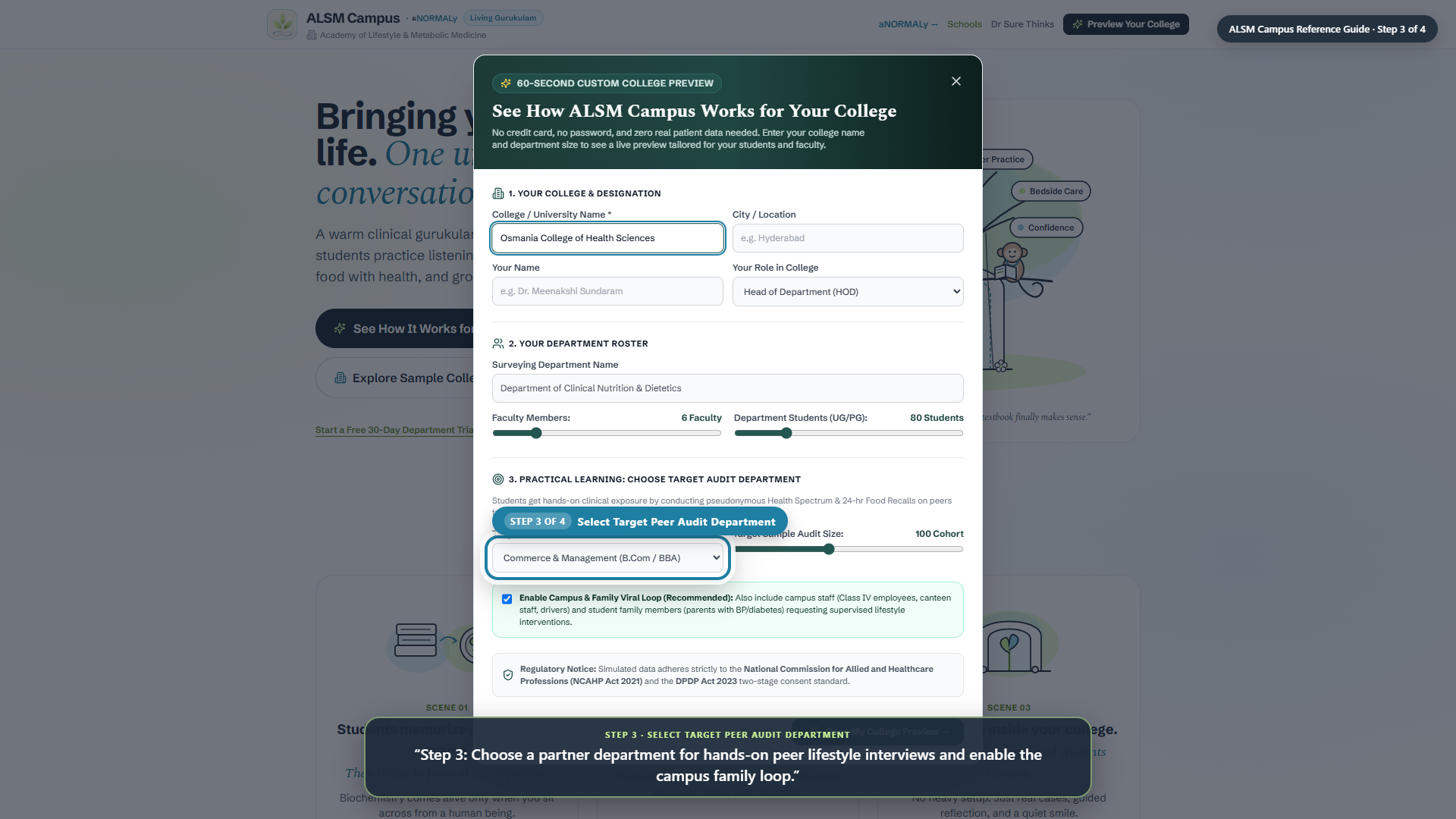
Step 3 of 4
Select Target Peer Audit Department
“Step 3: Choose a partner department for hands-on peer lifestyle interviews and enable the campus family loop.”
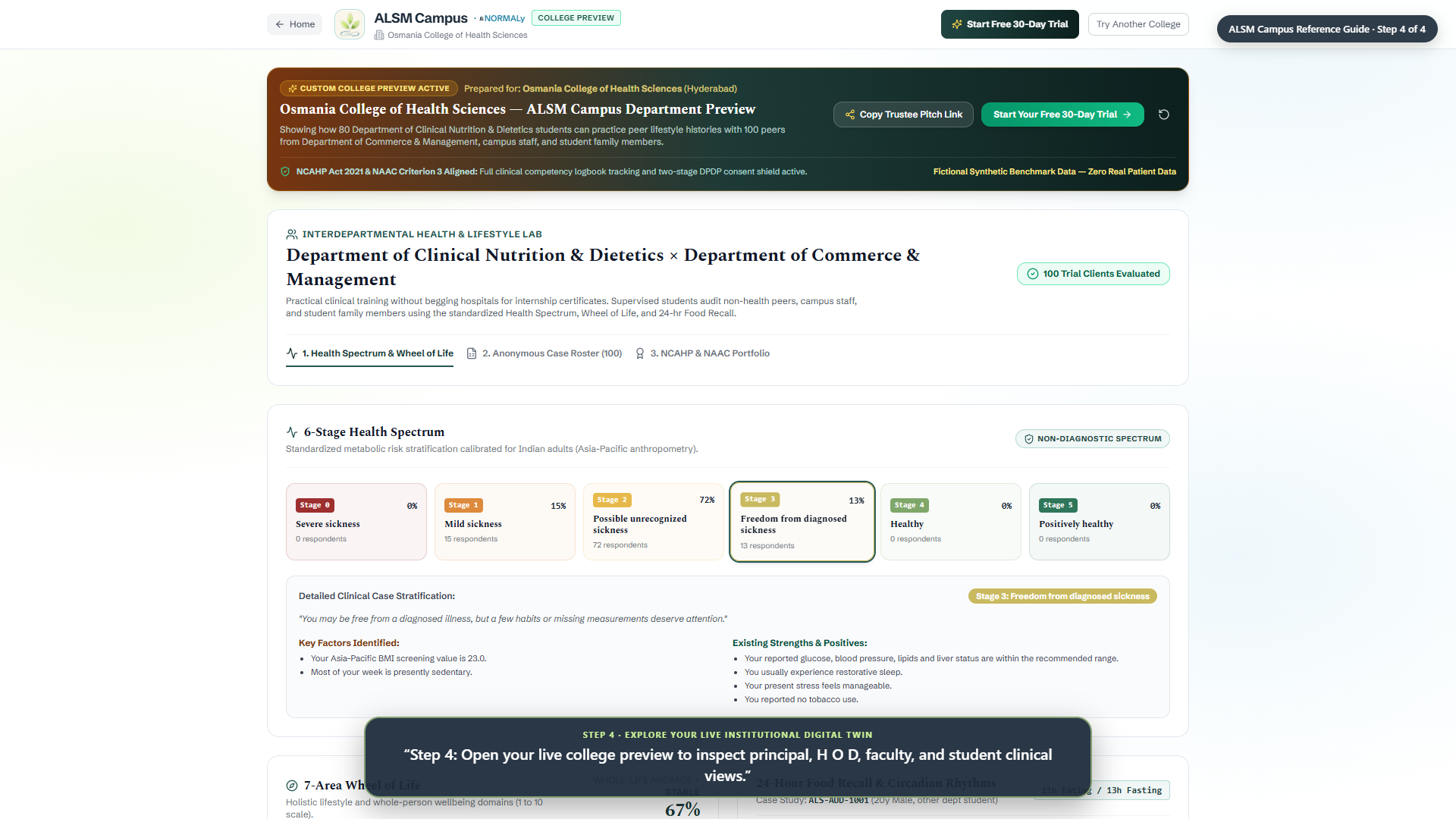
Step 4 of 4
Explore Your Live Institutional Digital Twin
“Step 4: Open your live college preview to inspect principal, H O D, faculty, and student clinical views.”